 MedThttps://taiyabsk.xyz
T Dot Com
MedT — Official Mobile App
v1.3.56
4.8 MB
24 Nov 2026
Android 8.0+
Download App
Secure HTTPS
Hospital Official
No Ads
Soto korle contact korun
App e ki ki ache
Doctor Appointmentghore boshe booking
Doctors & Servicesbibhagon o timing
Photo Galleryhospital er chobi
Career Applynursing/staff job
Ager version thakle AGE uninstall korun!
Notun build (v1.3.55) e security upgrade hoyeche — signing key bodleche.
Tai purano app (v1.3.54 ba tar age) uninstall na korle notun APK install korar somoy
Android “App not installed” error dibe. Eta bug na — Android er security rule.
Uninstall korle purano login remove hobe, notun kore login korlei sob data thik moto asbe.
Install korar niyom (5 step)
1
Purano TDotCom app uninstall korunjodi age theke installed thake — nahole eta skip korun (uporer red note dekhun)
2
Download App button e tap korunAPK file download hote shuru hobe
3
File khule “Install unknown apps” allow korunphone permission chabe — Allow dite hobe, eta standard Android rule. Xiaomi/Redmi: Settings → Privacy protection → Special permissions; Samsung: Settings → Apps → Special access; ba Chrome → Install unknown apps e Chrome allow korun
4
Install tap korunkoyek second e install hoye jabe
5
App khule notun kore login korunwebsite er same account diye — security upgrade er karone ager session thakle-o abar login korte hobe
Play Protect warning asle?
Bhoi nei — eta normal, karon app ta ekhono Play Store e nei.
Warning er upor “More details” tap kore “Install anyway” din.
Play Store e publish korar por ei warning ar asbe na.
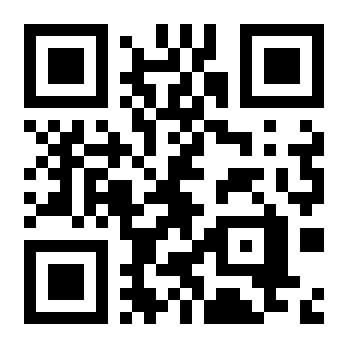
Computer theke dekhchhen?
Phone er camera diye QR scan korlei ei page khulbe — tarpor download button tap korun.
Dhulian Main Road, Dhulian, Murshidabad - 742202
© 2026 MedT • taiyabsk.xyz • All rights reserved